
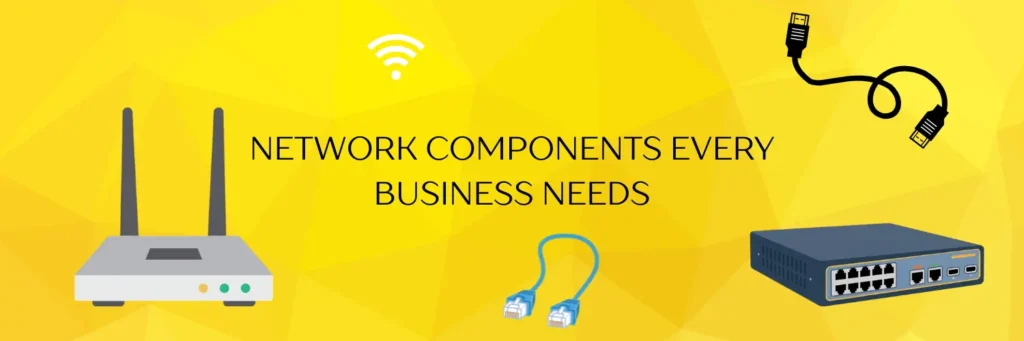
Whether you’re setting up a home office or building a full business network, the gap between “technically connected” and “actually working” is bigger than most people expect. Every reliable network is built on four foundations:
Devices
Every system that needs to connect to the network
Data path
Wired or wireless connection infrastructure
Traffic control
Routing and switching to direct data flow
Rules
Communication protocols that keep it all talking
The 7 phases of a proper network build
Phase 1:
Devices and endpoints
Computers, laptops, IP phones, printers, CCTV systems, and smart devices all need to connect efficiently. The real challenge isn’t connecting them — it’s ensuring they don’t slow each other down.
Load distribution
Planning
Phase 2:
Cabling and connectivity
Cat6 Ethernet cabling with proper routing and labeling is the backbone of any reliable setup. Poor cabling is the silent killer of network performance.
Cat6 recommended
Poor cabling = slow speeds
Phase 3:
Switch configuration
A switch connects all your internal devices — but just plugging in cables isn’t enough. VLAN setup, port management, and traffic prioritization are what separates a fast network from a chaotic one.
VLAN setup
Port management
Traffic priority
Phase 4:
Router setup
The router is the brain of your entire network. Incorrect routing setup, weak security, or misconfigured IP management can bring down the whole operation.
IP management
Security rules
High risk if misconfigured
Phase 5:
Wireless network setup
Strategic access point placement and signal coverage planning are essential. A single router for large spaces creates dead zones and frustrated users.
AP placement
Signal coverage
Secure auth
Phase 6:
Security and firewall
Unauthorized access, malware, and data breaches are real threats. Businesses need dedicated firewall solutions beyond a basic router firewall.
Dedicated firewall
Non-negotiable for business
Phase 7:
Configuration and optimization
DHCP setup, DNS optimization, bandwidth management, and device prioritization. Even great hardware performs poorly without proper configuration.
DHCP
DNS
Bandwidth mgmt
Common mistakes that bring networks down
- Connecting devices without any planning or load consideration
- Ignoring security settings until after a breach happens
- Poor Wi-Fi placement creating dead zones throughout the space
- No backup system or ongoing support plan in place
Need a network that just works?
From structured cabling and router configuration to firewall setup and ongoing support — FSI Information Technology handles it all so you can focus on your business.
Frequently Asked Questions
Not always for very small setups, but for offices or growing businesses, professional setup ensures better performance, security, and reliability. Improper installation can lead to slow speeds and frequent issues.
Many networks fail not because of poor hardware, but because of:
- Delayed troubleshooting
- Incorrect installation
- Lack of proper configuration
- No ongoing monitoring
So, it’s always better to set up your network with the help or guidance of a professional.
Network installation typically includes cabling, device setup, router and switch configuration, Wi Fi setup, and testing to ensure everything works smoothly.
It depends on the size of the setup. A small office network can usually be installed within a day, while larger or more complex setups may take longer.
A router connects your network to the internet, while a switch connects devices within your network so they can communicate with each other.
Yes, ongoing support is essential to maintain performance, fix issues quickly, and ensure your network stays secure and updated.
Network security is critical for all businesses. Even small networks can be targeted by cyber threats, so proper firewall and security configuration is important.