
IT Support for Login Issues in Dubai: How to Fix Locked Accounts, Forgotten Credentials & Authentication Errors
You type in your password, press Enter, and nothing happens. You try again. Now the account is locked. Maybe the password works perfectly on your laptop but keeps failing in Outlook, your VPN client or Microsoft 365. If any of this sounds like what you’re going through, you are not alone. This is one of the most common problems that businesses face, and it is exactly why so many companies look for dependable IT support for login issues in Dubai.
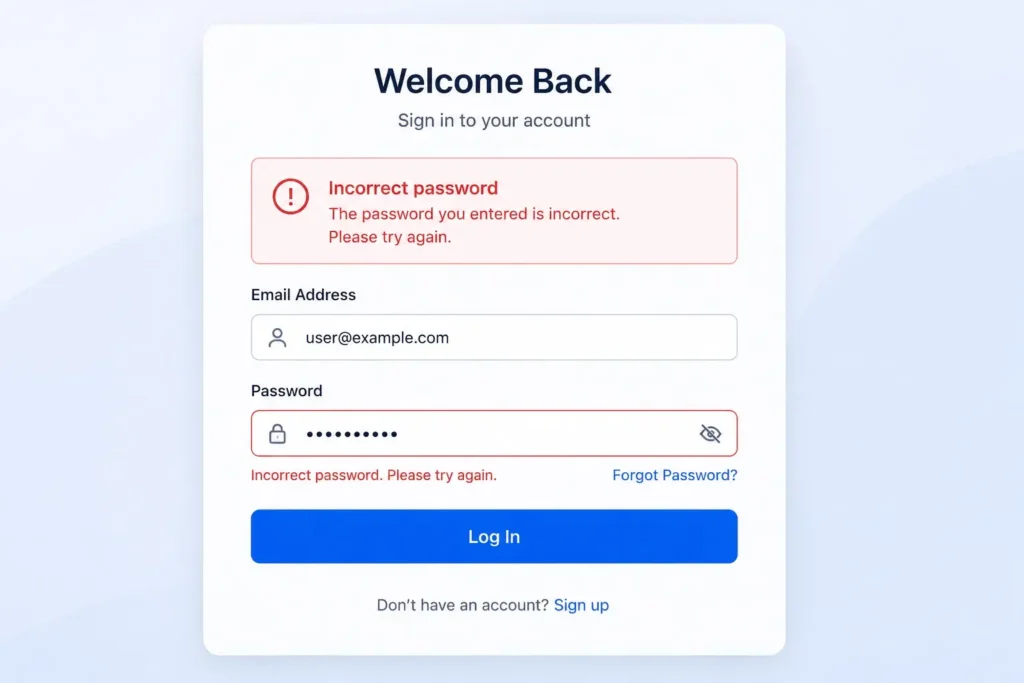
The frustrating part is that login failures usually do not have one reason. Sometimes it is a mistake. Sometimes it is an expired password, an old saved credential that is conflicting with your new one, a misconfigured MFA app, or something more serious happening in your company’s IT infrastructure. This guide goes through the problems, gives you practical solutions you can try right away, and explains when it is time to get expert help.
What Causes Password and Login Failures?
Before getting into solutions, it is helpful to understand what is actually going wrong. This is usually the thing any good IT support for login issues in Dubai will ask about, since the solution depends a lot on the cause. Login issues usually fall into one of these categories:
- Incorrect password — simple typos, Caps Lock, or an outdated password
- Forgotten credentials — happens more often than people admit, especially with password policies that force frequent changes
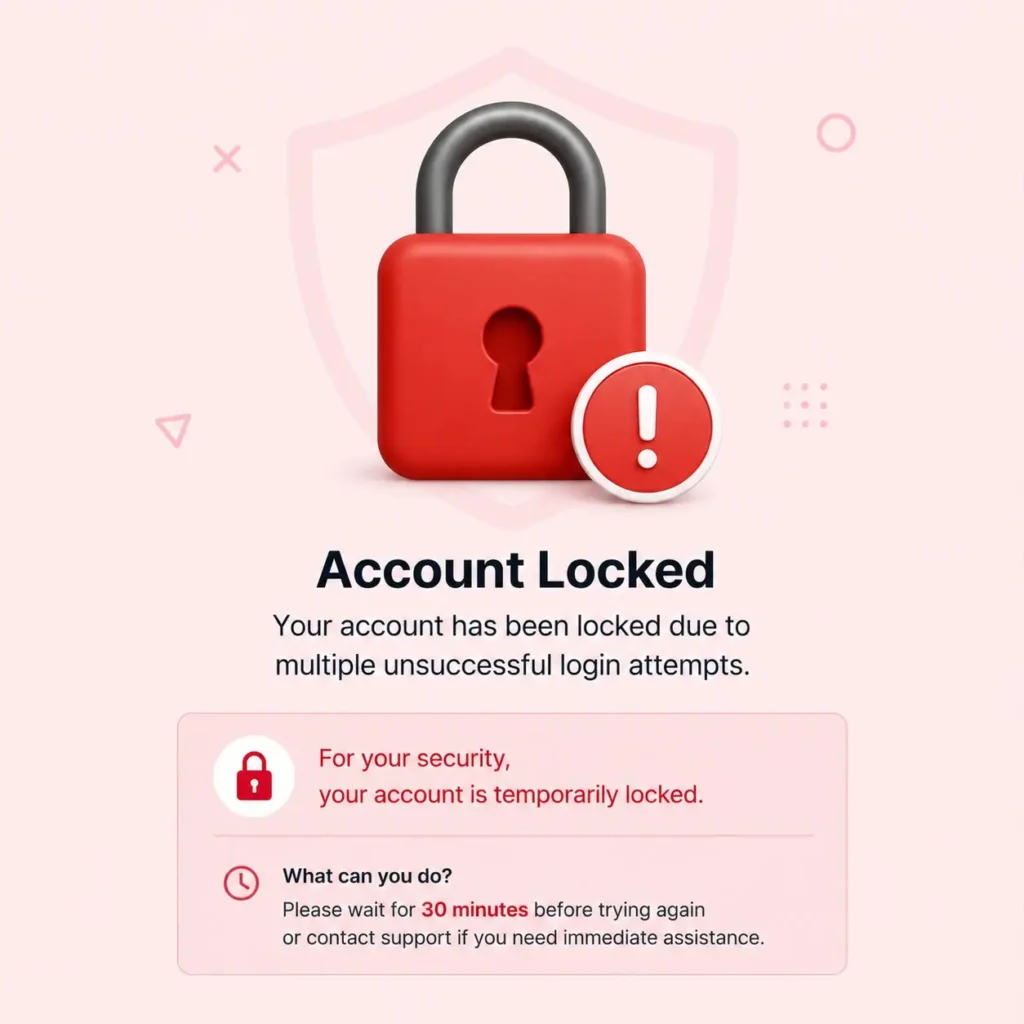
- Account lockout — too many failed attempts trigger a security lock
- Expired password — many companies enforce password expiry every 60–90 days
- Old saved credentials — a new password hasn’t updated everywhere it’s stored
- MFA/authentication problems — a lost phone, an expired code, or a misconfigured authenticator app
- VPN or network authentication issues — the device can’t properly verify against the company network
- Windows/Active Directory issues — domain-level problems affecting sign-in
- Application-specific authentication failures — one app breaks while everything else works fine
Once you know which category you’re dealing with, the fix usually gets a lot simpler.
How to Fix Common Password and Login Problems
This is the section most people are here for – practical, step-by-step troubleshooting you can actually use.
1. Check Your Username and Password
It sounds obvious, but it’s the number one cause of login failures. Before assuming something is broken:
- Make sure Caps Lock isn’t on
- Double-check for autocorrect changing your username or email
- Confirm you’re using the correct domain (e.g., company email vs. personal email)
- Try typing the password into a plain text field first to catch typos
2. Reset a Forgotten Password
A forgotten password doesn’t have to derail your entire day. Most organizations have a self-service reset option:
- Use the “Forgot Password” link on the login screen
- Verify your identity through your registered email or phone number
- Create a new password that meets your company’s complexity rules
- Update the new password everywhere you use it — email, apps, and saved logins
If self-service reset isn’t available or isn’t working, that’s usually a sign your IT team needs to step in.
3. Unlock a Locked Account
Account lockouts are a built-in security feature, but they’re also one of the most common login failures employees run into. Here’s what usually helps:
- Wait the standard lockout period (often 15–30 minutes) if it’s a one-off issue
- Use any available self-unlock or password reset portal
- If neither works, an administrator will need to manually unlock the account from the backend
Repeated lockouts, though, are rarely a “wait it out” situation — more on that below.
4. Check for Expired Passwords
Password expiration is a standard security policy, but it catches people off guard constantly. If your password worked yesterday and doesn’t today:
- Check if your organization enforces a password expiry cycle
- Look for expiry warning emails you may have missed
- Reset the password through the proper channel rather than repeatedly retrying the old one
5. Remove Old Saved Credentials
This is one of the most overlooked fixes, and honestly, one of the most valuable. After changing a password, the old one often stays saved in places you forget about, causing repeated authentication errors even though your new password is correct. Check:
- Outlook (saved credentials in Credential Manager)
- Windows login and Credential Manager
- Mobile phones (mail apps, especially if using Exchange or IMAP)
- VPN applications
- Other email applications
- Any other business software with stored logins
Clearing these out often solves problems that look far more complicated than they actually are.
6. Check Multi-Factor Authentication
MFA adds security, but it’s also a common source of authentication errors. Common issues include:
- Authenticator app clock out of sync, generating invalid codes
- Lost or replaced phone without MFA re-registration
- SMS codes delayed due to network issues
- MFA app not updated after a device change
If your MFA app isn’t generating valid codes, don’t keep retrying; you’ll likely trigger a lockout on top of the original problem.
7. Check VPN and Network Connectivity
Sometimes the password isn’t the problem at all; the connection is. If your VPN or network can’t properly authenticate your device:
- Confirm your internet connection is stable
- Restart the VPN client and reconnect
- Check whether the VPN certificate or profile has expired
- Confirm you’re connecting to the correct server or gateway
This is a frequent cause of what looks like a password reset issue but is actually a connectivity problem.
Why Does My Account Keep Getting Locked?
If unlocking your account has become a weekly (or daily) routine, repeatedly resetting it isn’t really solving anything; it’s just a temporary patch on a bigger issue. Some common underlying causes include:
- An old password still saved on another device
- A mobile email app quietly using outdated credentials
- Outlook repeatedly trying to authenticate with the wrong password
- VPN clients storing outdated login details
- Mapped network drives still using old credentials
- Background applications or browser extensions with saved logins
- Scheduled tasks or services running under an old account password
- Multiple failed login attempts from a forgotten device
- In some cases, unauthorized login attempts from outside the organization
When lockouts keep repeating, it’s worth having someone actually investigate rather than resetting the password again and hoping it sticks.
When a Simple Password Reset Doesn’t Fix the Problem
Here’s something worth being upfront about: if the same login problem keeps coming back after a reset, the issue is probably bigger than the user’s credentials. At that point, you could be looking at:
- Active Directory configuration problems
- Microsoft 365 account configuration issues
- DNS problems affecting authentication requests
- VPN authentication misconfiguration
- Server connectivity issues
- Device configuration conflicts
- Security policy conflicts
- MFA configuration errors
- Endpoint or application-level credential issues
This is usually where an in-house team without dedicated IT resources starts to feel stuck, and it’s exactly the kind of situation where professional IT support for login issues in Dubai makes a real difference.
When Should Your Business Contact IT Support?
Not every login hiccup needs a support ticket. But there are clear signs it’s time to bring in outside help:
- Multiple employees are experiencing login failures at the same time
- Accounts repeatedly become locked despite resets
- Password resets don’t actually resolve the problem
- Employees can’t access Microsoft 365 login issues consistently
- VPN authentication keeps failing across different users
- Login problems are affecting business-critical applications
- You notice suspicious or unfamiliar login attempts
- The issue clearly needs server or domain-level troubleshooting
If any of these sound familiar, it’s worth reaching out to a dedicated IT Service Desk in Dubai rather than continuing to troubleshoot in circles internally.
A good IT Support Services in Dubai partner can quickly tell whether you’re facing a one-off glitch or a wider infrastructure problem that needs deeper investigation.
How IT AMC Services in Dubai Can Help With Login Problems
Once login and authentication issues start affecting more than one person, or keep returning after every fix, it usually points to something structural — and that’s where an IT AMC Service in Dubai earns its keep. Here’s how the pieces connect to the problems above:
Account & Access Management: Ongoing support for managing user accounts, permissions, password resets, and lockouts — so issues get resolved properly instead of being patched repeatedly.
Microsoft 365 & Email Support: Dedicated troubleshooting for authentication problems affecting business email and Microsoft 365 login issues, including sync errors and MFA conflicts.
Network & VPN Support: Investigating authentication failures caused by network, VPN, DNS, or connectivity issues that often masquerade as simple password reset issues.
Server & Active Directory Support: For businesses running domain-based environments, this covers recurring account lockouts and deeper authentication failures at the server level.
Preventive IT Maintenance: Rather than waiting for employees to report problems, regular checks under an IT annual maintenance contract in Dubai can catch configuration issues before they turn into recurring disruptions.
Security Monitoring: Repeated failed login attempts can sometimes signal something more concerning than user error. Monitoring helps flag unusual authentication patterns early and strengthen access controls before real damage is done.
How to Prevent Password and Login Problems in Your Business
A little prevention goes a long way here, and it’s often cheaper than repeatedly calling in IT support for login issues in Dubai after the fact. Some practical habits worth building into your company’s routine:
- Use strong, unique passwords for every system
- Enable MFA wherever it’s supported
- Keep recovery email and phone numbers up-to-date
- Remove outdated saved credentials from devices and apps regularly
- Keep devices, browsers, and applications updated
- Monitor repeated login failures instead of ignoring them
- Apply sensible account lockout policies (not too strict, not too loose)
- Train employees on basic credential security
- Maintain regular IT monitoring across the business
Consistent business IT support in Dubai can help keep these controls properly configured, so recurring authentication problems get caught early instead of turning into full-blown disruptions.
Password & Login Troubleshooting Checklist
Keep this handy the next time someone on your team gets locked out:
| Step | Action |
|---|---|
| 1 | Confirm the username is correct |
| 2 | Check the password and make sure Caps Lock is off |
| 3 | Check whether the account is currently locked |
| 4 | Check for password expiration |
| 5 | Verify internet or VPN connection |
| 6 | Check MFA app or code delivery |
| 7 | Remove outdated saved credentials |
| 8 | Test login on another approved device, if possible |
| 9 | Check whether other employees are affected too |
| 10 | Contact IT support if the problem continues |
Why Login Problems Often Point to Bigger IT Infrastructure Issues
It’s worth mentioning that recurring authentication errors are sometimes a symptom, not the actual disease. According to Microsoft’s own identity and access documentation, authentication failures are frequently tied to underlying identity infrastructure issues rather than user error alone, which lines up with what IT teams see on the ground every day.
If your business is scaling up, opening a new office, or adding new systems, it may also be worth reviewing your overall IT infrastructure setup in Dubai to make sure authentication systems are properly integrated from the start rather than bolted on later.
FAQ
This usually happens because of previous failed attempts — sometimes from an old saved password on another device — that triggered the lockout before your correct attempt went through.
Repeated lockouts are often caused by outdated saved credentials on a phone, VPN client, or mapped drive still trying to log in with your old password in the background.
Yes. Devices and apps that automatically retry a saved (but outdated) password can trigger repeated failed attempts, leading to lockouts.
Start with the basics — check your credentials, clear outdated saved passwords, confirm your MFA is working, and check your network connection. If the error persists, it likely needs IT-level investigation.
Microsoft 365 login issues are often tied to expired passwords, MFA misconfiguration, or sync delays between your device and the cloud account.
A forgotten password simply means you don’t remember your credentials. An authentication error means the system itself is failing to verify valid credentials, often due to a technical issue.
This depends on your organisation’s security policy — some unlock automatically after a set time, while others require an administrator to manually unlock the account.
Yes, very often. If your device can’t properly authenticate over VPN, it can look exactly like a wrong password, even when your credentials are correct.
Reach out when resets aren’t fixing the issue, multiple employees are affected, or the problem keeps returning after being “fixed”.
Yes. IT AMC services typically include ongoing account management, Microsoft 365 support, VPN and network troubleshooting, and Active Directory support — covering most root causes behind recurring login problems.